Table of Contents
ToggleLooking for Nintendo Switch tips that actually make a difference? Whether someone just unboxed their console or has been playing for years, there’s always room to squeeze more value from this portable powerhouse. The Switch hides plenty of useful features beneath its friendly interface, settings that extend play sessions, shortcuts that save time, and tricks that make games look and run better. This guide covers the best Nintendo Switch tips to help players maximize battery life, discover hidden features, enhance their gaming experience, and keep their hardware running smoothly.
Key Takeaways
- Lower screen brightness and enable Airplane Mode to extend your Nintendo Switch battery life by up to an hour during single-player sessions.
- Access hidden features like dark mode, button remapping, and playtime stats through System Settings to customize your experience.
- Connect Bluetooth headphones or a USB LAN adapter to improve audio flexibility and online multiplayer stability.
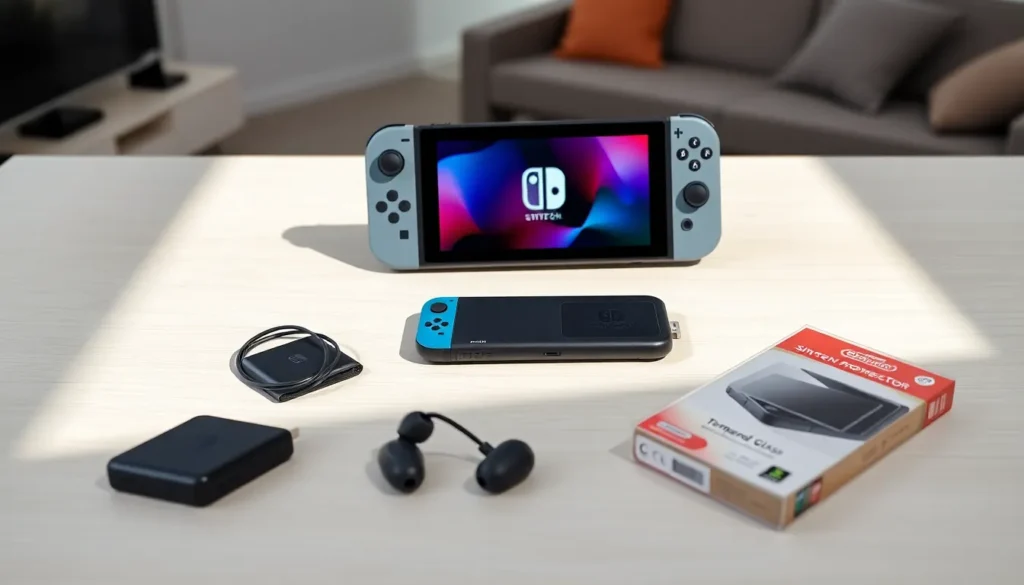
- Protect your investment with a tempered glass screen protector and regular vent cleaning to prevent overheating.
- Use a microSD card (256GB–512GB) to manage storage and keep your Nintendo Switch running smoothly for years.
- Double-tap the Home button to activate zoom functionality—one of the most overlooked Nintendo Switch tips for accessibility.
Optimize Your Battery Life
Battery life remains one of the biggest concerns for Switch owners. The original model lasts around 2.5 to 6.5 hours depending on the game, while the OLED and revised models push that closer to 4.5 to 9 hours. Either way, a few Nintendo Switch tips can stretch those numbers further.
Lower Screen Brightness
The display eats power faster than anything else. Players can drop brightness to 50% or lower and still see everything clearly in most indoor settings. Turning off auto-brightness gives more control, the automatic setting often cranks things higher than necessary.
Enable Airplane Mode
Wireless connections drain battery even when they’re not actively in use. Airplane mode shuts down Wi-Fi, Bluetooth, and NFC all at once. For single-player games, this simple change can add 30 minutes to an hour of extra playtime.
Adjust Sleep Settings
The Switch doesn’t need to stay awake while sitting idle. Setting auto-sleep to 1 minute in handheld mode prevents accidental battery drain. Players can find this option under System Settings > Sleep Mode.
Use a Power Bank
For long trips, a USB-C power bank becomes essential. Any bank with USB-C Power Delivery (PD) support works well. A 20,000mAh battery can fully charge the Switch three to four times, enough for a cross-country flight with room to spare.
Master the Hidden Features
Nintendo buried some genuinely useful features in the Switch’s menus. These Nintendo Switch tips reveal shortcuts and tools that many players never discover.
Quick Access to Recent Software
Holding the Home button brings up a quick menu, but there’s more. From the home screen, pressing ZL or ZR instantly filters the game library by recent titles, downloads, or groups. It’s a small thing that saves real time for anyone with a large digital collection.
Dark Mode for Late-Night Sessions
The Switch offers a dark theme that’s easier on the eyes at night. Head to System Settings > Themes > Basic Black. It won’t save much battery on the LCD models, but OLED owners see real power savings since black pixels stay off entirely.
Button Remapping
Players can remap any controller button through System Settings > Controllers and Sensors > Change Button Mapping. This works for Joy-Cons and the Pro Controller alike. It’s especially helpful for accessibility or for games with awkward default layouts.
Check Playtime Stats
Curious how many hours went into Animal Crossing? Select the user icon from the home screen, then choose Profile. The system tracks playtime for every game after about 10 days of ownership. Some players prefer not knowing, but the data’s there for those who want it.
Zoom Functionality
Double-tapping the Home button activates a screen zoom feature for accessibility purposes. Players can adjust zoom levels and pan around the screen. It works system-wide, including in games.
Improve Your Gaming Experience
Beyond battery and features, several Nintendo Switch tips directly improve how games look, sound, and feel.
Connect Bluetooth Headphones
Nintendo added Bluetooth audio support in a 2021 update. Go to System Settings > Bluetooth Audio > Pair Device. The connection adds slight latency, which matters for rhythm games but works fine for RPGs, adventure titles, and most other genres.
Use a LAN Adapter
Online multiplayer suffers on Wi-Fi. A USB LAN adapter plugged into the dock provides faster, more stable connections. This matters most for competitive games like Super Smash Bros. Ultimate or Splatoon 3 where lag decides matches.
Calibrate Motion Controls
Drift issues get all the attention, but motion controls can also lose accuracy over time. Recalibrating through System Settings > Controllers and Sensors > Calibrate Motion Controls takes 30 seconds and improves aim in games like Splatoon or Breath of the Wild’s bow mechanics.
Adjust TV Settings
When docked, the Switch outputs at 1080p by default, but not always. Players should check System Settings > TV Settings and confirm the resolution matches their TV’s capabilities. Enabling RGB Range to Full (if the TV supports it) can improve color accuracy.
Keep Your Switch in Top Condition
Hardware care often gets overlooked. These Nintendo Switch tips help the console last for years.
Clean the Vents Regularly
Dust builds up in the air vents along the top of the console. A can of compressed air clears debris without opening anything up. Blocked vents cause the fan to work harder and can lead to overheating during demanding games.
Protect the Screen
The Switch screen scratches easily, even the dock can cause marks over time. A tempered glass screen protector costs under $10 and adds real protection. For OLED owners, this matters even more since screen repairs cost significantly more.
Store Joy-Cons Properly
Leaving Joy-Cons attached when not in use prevents dust from entering the rail connections. If storing them separately, keeping them in a case protects the analog sticks from pressure damage.
Update Firmware Regularly
Nintendo releases system updates that fix bugs, improve stability, and occasionally add new features. Checking for updates through System Settings > System > System Update takes seconds and keeps the console running smoothly.
Manage Storage Space
The Switch’s internal storage fills up fast. Moving games to a microSD card frees space and keeps the system organized. Cards up to 2TB work with the Switch, though 256GB or 512GB options hit the sweet spot for most players.